
Compare
RTObase vs PowerPro
A modern PowerPro alternative. Bring your student records across from your existing AVETMISS NAT files.


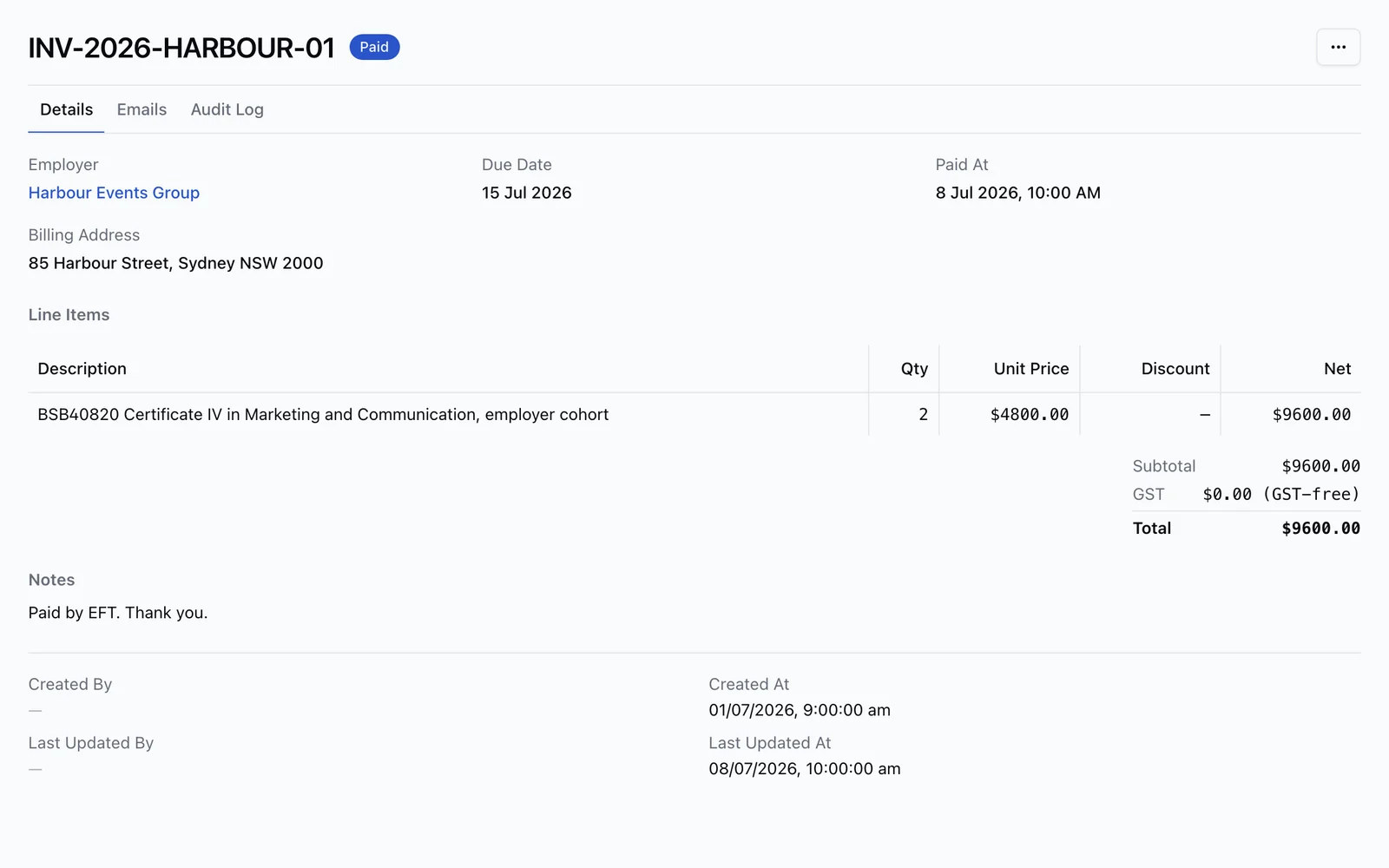
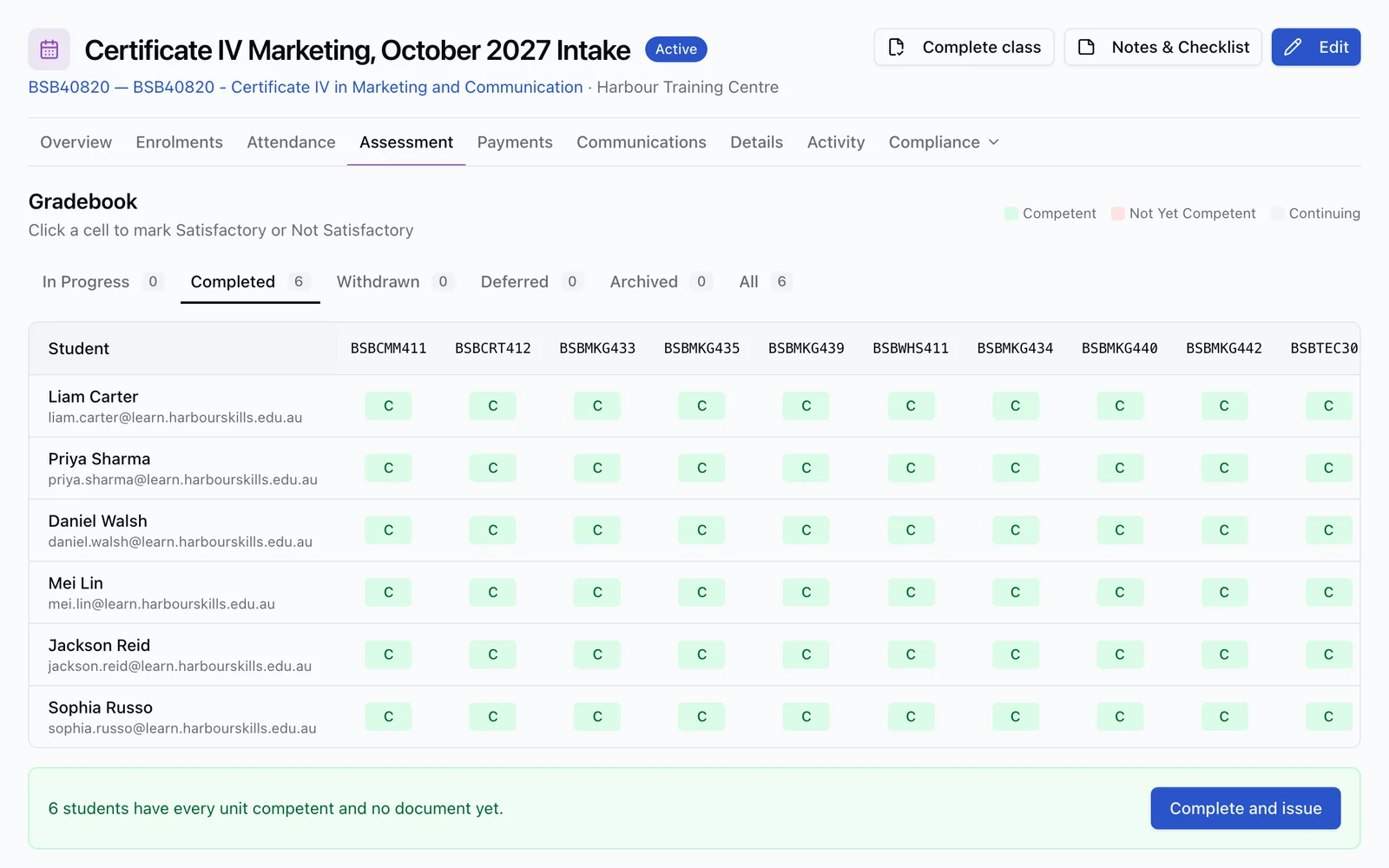
One enrolment record
Learner, course, progress, payments and completion work stay together from start to finish.
The honest read
About PowerPro
PowerPro is an Australian RTO student management system from Vidatek with published entry pricing, local support, AVETMISS compliance, USI, AQF documents, and optional eLearning and accounting integrations. It is a practical compliance-first SMS; RTObase is built for RTOs that want the SMS, LMS, branded website, online enrolment, payments, AI, and lifecycle follow-up in one web-native platform.
Where PowerPro excels
Published annual-plan pricing displayed as monthly equivalents
AVETMISS, USI, AQF document tracking, VSL/TCSI, CRICOS, and state/territory reporting coverage
Local Australian support, onboarding case manager, workshops, and a 30-day trial
PowerPro SKY adds invoicing, non-accredited training, accounting integrations, and multiple-user workflows
PowerPro DUO bundles the SMS with eLearning for RTOs that want a combined SMS/LMS package
Common reasons RTOs switch from PowerPro
PowerPro NEO is intentionally entry-level and excludes non-accredited training, invoicing, and trainer scheduling
eLearning is bundled through DUO rather than being part of every tier
The product is positioned around desktop-app performance and Windows/Microsoft Office integration, which may not suit RTOs wanting a fully browser-native workflow
No built-in RTO marketing website builder, SEO tooling, or custom-domain website hosting is published on the PowerPro site
No public evidence found for AI content generation, AI compliance checks, or an AI admin assistant
Feature by feature
Feature comparison
See how RTObase compares to PowerPro across the features that matter most to Australian RTOs.
| Feature | RTObase | PowerPro |
|---|---|---|
| AVETMISS Reporting | Included | Yes |
| USI Verification | Included | Yes |
| AQF Certificate / Parchment Tracking | Included | Yes |
| Student Portal | Included | Not publicly itemised |
| Online Enrolment | Included | DUO |
| Online Assessments | Included | DUO / LMS |
| Built-in LMS & eLearning | Included | DUO |
| Non-Accredited Training | Included | SKY / DUO |
| Trainer Scheduling | Included | SKY / DUO |
| Xero / Accounting Integration | Included | Add-on |
| No Lock-In Contracts | Included | Yes |
| Published Monthly Equivalent | Included | Payable annually |
| Flat Business Plan With No Per-Enrolment Fees | Included | Not included |
| Built-in Website Builder | Included | Not included |
| Custom Domain Website Hosting | Included | Not included |
| SEO Tools | Included | Not included |
| Stripe Connect Payments | Included | Not included |
| Self-Service NAT Import | Included | Vendor-assisted AVETMISS import |
| Native eLearning Authoring | Included | Not included |
| AI Page & Website Builder | Included | Not included |
| Rule-based compliance checks | Included | Not included |
| AI Admin Agent (acts on your data) | Included | Not included |
| AI Support Assistant | Included | Not included |
| Employer Management | Included | Not publicly itemised |
| ASQA 2025 Standards | Included | Yes |
| Audit Trail | Included | Yes |
PowerPro is a credible compliance-first SMS for RTOs that value local support and published annual-plan pricing. Use its calculator to confirm the initial account and renewal total, including selected add-ons. Choose RTObase if the goal is to consolidate the SMS with a website, enrolment, payments, AI workflows, and renewal follow-up under a flat $499 + GST/month Business plan.
Feature comparison based on publicly available information. Contact us if any information needs updating.
Migration
How to migrate from PowerPro
If your current system can export AVETMISS NAT files, RTObase imports the student, program, unit and training-activity records they contain. You review everything before going live. NAT files do not carry every document, payment, note or communication from your old system.
Export your AVETMISS NAT files and any available student, course, enrolment, and certificate data from PowerPro
Sign up for RTObase and complete the quick setup wizard
Upload your NAT files and review the imported training records
Set up your branded website, online enrolment, student portal, payments, and scheduled lifecycle messages in RTObase
Your data
What RTObase imports from your AVETMISS files
NAT files carry the regulated training records below. They are a migration starting point, not a complete copy of your former system.
Students & Demographics
Names, contact details, USI, date of birth, gender, indigenous status, disability information, and prior education.
NAT00080, NAT00085, NAT00090, NAT00100
Courses & Programs
Program IDs, course names, nominal hours, and all associated units of competency.
NAT00030, NAT00060
Enrolments & Activity
Training activity records, start/end dates, delivery modes, outcomes, and completion status.
NAT00120, NAT00130
Locations
Delivery location codes, addresses, postcodes, and state information.
NAT00020
Also compare RTObase with
Ready to switch from PowerPro?
Sign up for RTObase, upload the AVETMISS NAT files from PowerPro, and review your records inside your new workspace before going live. No lock-in contracts, no hidden fees.