
Compare
RTObase vs eSkilled
Compare two Australian RTO platforms. Bring your student records across from your existing AVETMISS NAT files.


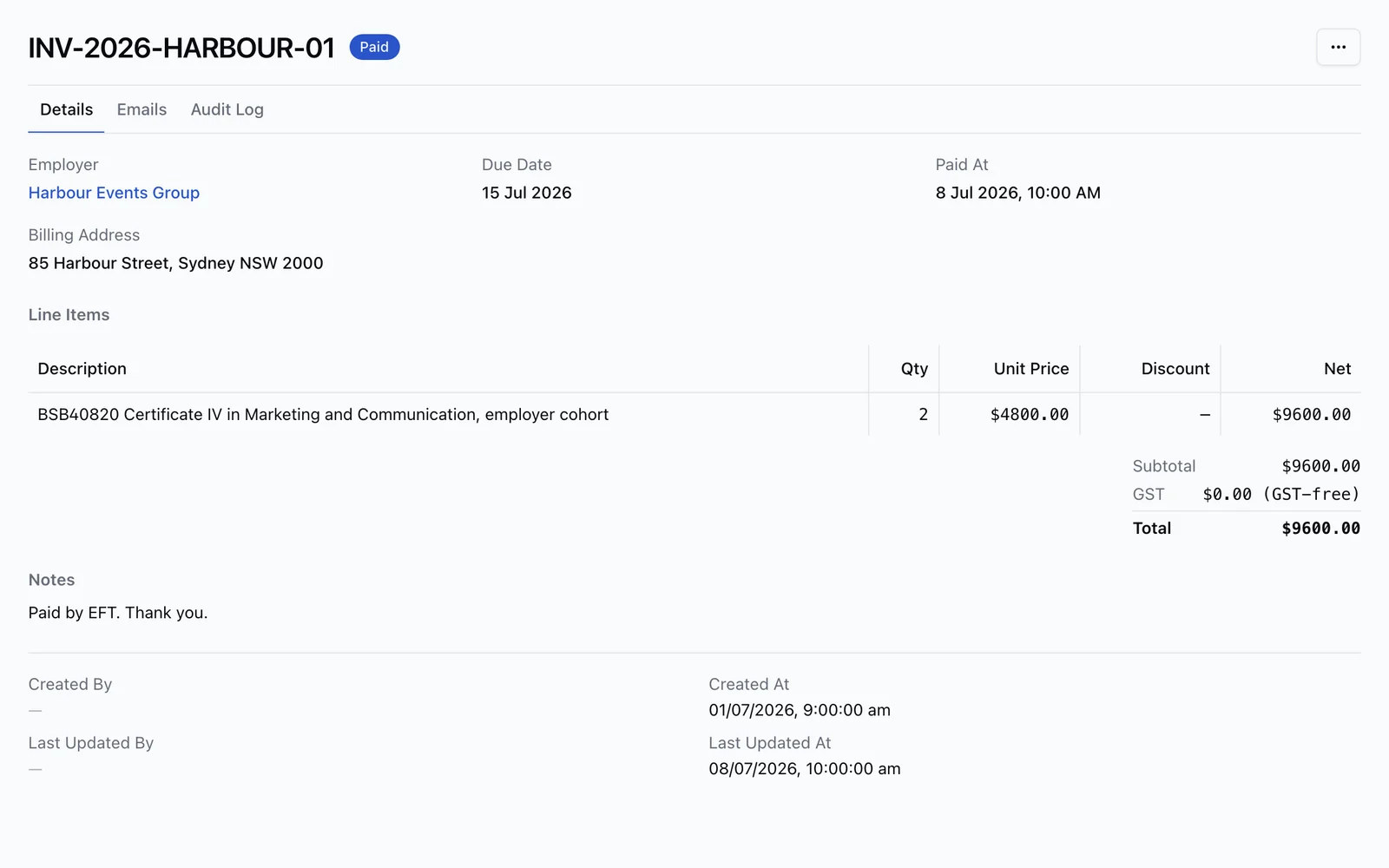
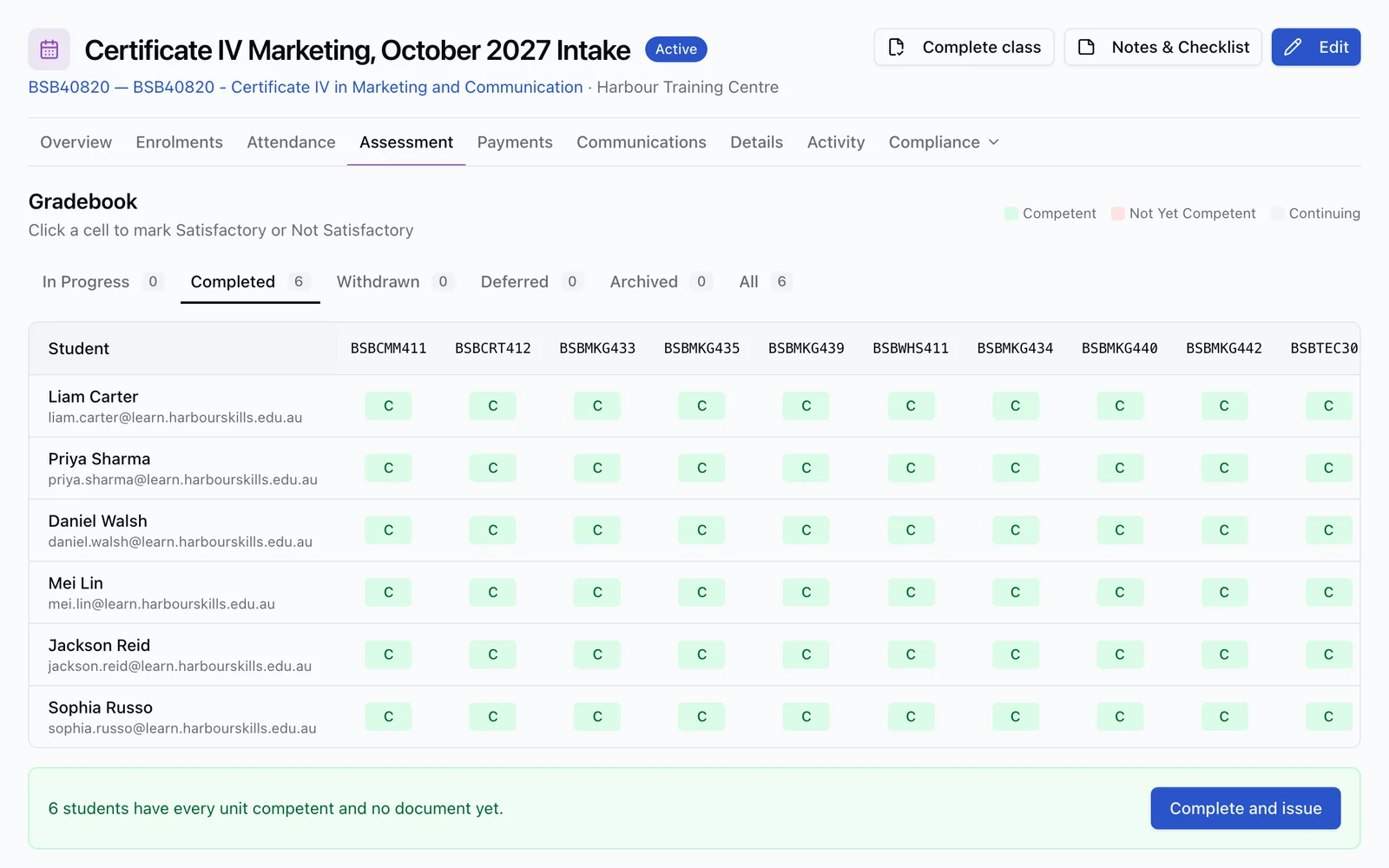
One enrolment record
Learner, course, progress, payments and completion work stay together from start to finish.
The honest read
About eSkilled
eSkilled is a Brisbane-based RTO platform that combines SMS, LMS/Moodle hosting, e-learning resources, AI course creation, portals, online enrolment, payment gateways, and integrations. RTObase is built for RTOs that want transparent $499 + GST Business pricing, no setup fee, a built-in marketing website, payments, AI, and lifecycle follow-up without stitching together separate product surfaces.
Where eSkilled excels
SMS, LMS, Moodle hosting, e-learning resources, and AI Course Creator under the same vendor group
Payment gateway support including WorldPay, Stripe, eWay, Xetta, and PayPal depending on package
Xero, MYOB, training.gov.au, USI, Stripe, Microsoft, Zoom, Google Meet, and Turnitin integrations are listed in pricing tables
LMS and assessment features include H5P, auto-marking quizzes, SCORM, LTI, rubrics, gradebook, video evidence, and AI marking add-ons
Publicly itemised quality, risk, validation, and trainer-credential compliance systems
Onshore hosting, SSO, SSL, two-factor authentication, user logs, and backup/disaster recovery are publicly listed
Common reasons RTOs switch from eSkilled
Pricing is package/table based and many useful capabilities are add-ons rather than one simple plan
The all-in-one story spans SMS, LMS, AI Course Creator, e-learning packs, and resources as separate product surfaces
The public feature table lists website integration and an optional branded eStore rather than a hosted marketing-site and SEO builder
The public pages reviewed do not describe predicted completion dates or an approval-gated agent that can execute operational changes
Feature by feature
Feature comparison
See how RTObase compares to eSkilled across the features that matter most to Australian RTOs.
| Feature | RTObase | eSkilled |
|---|---|---|
| AVETMISS Reporting | Included | Yes |
| USI Verification | Included | Yes |
| Student Portal | Included | Yes |
| Online Enrolment | Included | Yes |
| Online Assessments | Included | Yes |
| Built-in LMS & eLearning | Included | Yes |
| SCORM Package Support | Included | Yes |
| LTI Content Support | Not included | Yes |
| AI Marking Assistant | Not included | Add-on |
| Pre-Built Training Resources | Not included | Yes |
| AI Course Content Generation | Included | Yes |
| Built-in Website Builder | Included | Website integration / eStore |
| Custom Domain Website Hosting | Included | Not publicly documented |
| SEO Tools | Included | Not publicly documented |
| Stripe Payment Gateway | Stripe Connect | Setup fee |
| Xero / Accounting Integration | Included | Yes |
| Simple Flat-Rate Business Pricing | Included | Not included |
| Self-Service NAT File Import | Included | Not publicly documented |
| Vendor-Assisted Data Migration | Business migration support | Yes |
| AI Page & Website Builder | Included | Not publicly documented |
| Automated Compliance Rules | Rule-based checks | Quality, risk, validation & trainer credential systems |
| AI Admin Agent (acts on your data) | Included | Not publicly documented |
| ASQA 2025 Standards | Included | Yes |
| Audit Trail | Included | Yes |
eSkilled combines SMS, Moodle-hosted LMS, e-learning resources, AI course creation and multiple portals. RTObase combines SMS/LMS operations with a hosted marketing website, published Business pricing, payments, predictive enrolment insights and an approval-gated admin agent.
Feature comparison based on publicly available information. Contact us if any information needs updating.
Migration
How to migrate from eSkilled
If your current system can export AVETMISS NAT files, RTObase imports the student, program, unit and training-activity records they contain. You review everything before going live. NAT files do not carry every document, payment, note or communication from your old system.
Export your AVETMISS NAT files and any available student, course, enrolment, LMS, and finance data from eSkilled
Sign up for RTObase and complete the quick setup wizard
Upload your NAT files and review the imported training records
Set up your branded website, enrolment forms, online course delivery, payments, and scheduled lifecycle messages in RTObase
Your data
What RTObase imports from your AVETMISS files
NAT files carry the regulated training records below. They are a migration starting point, not a complete copy of your former system.
Students & Demographics
Names, contact details, USI, date of birth, gender, indigenous status, disability information, and prior education.
NAT00080, NAT00085, NAT00090, NAT00100
Courses & Programs
Program IDs, course names, nominal hours, and all associated units of competency.
NAT00030, NAT00060
Enrolments & Activity
Training activity records, start/end dates, delivery modes, outcomes, and completion status.
NAT00120, NAT00130
Locations
Delivery location codes, addresses, postcodes, and state information.
NAT00020
Also compare RTObase with
Ready to switch from eSkilled?
Sign up for RTObase, upload the AVETMISS NAT files from eSkilled, and review your records inside your new workspace before going live. No lock-in contracts, no hidden fees.